Best Laptops for Video Editing 2026 — 11 Picks for Every Budget
From the MacBook Air M4 to the ASUS ROG G16 — ranked by use case, budget, and workflow. Updated June 2026.
| Category | Laptop | Score | Key Spec |
|---|---|---|---|
| 🏆 Best Value | NIMO N177 | 88/100 | Ryzen 7, 32GB RAM, 17.3" |
| 🚀 Best for Gaming/Editing | ASUS ROG G16 (2025) | 92/100 | i7-14650HX, RTX 5060, 16GB |
| 💰 Best Budget | Acer Aspire Go 15 | 76/100 | Ryzen 7 7730U, 16GB |
| 🔰 Best Portable | Lenovo IdeaPad Slim 3X | 81/100 | Snapdragon X, 16GB, metal chassis |
| ⭐ Best Mac | MacBook Air 15" M4 (2025) | 94/100 | M4, 16GB unified, Liquid Retina |
| 🎯 Best for Productivity | Surface Laptop (2024) | 83/100 | Snapdragon X Elite, 1TB, touchscreen |
| 💼 Best Professional | ThinkBook 16 | 95/100 | i7-13700H, 32GB DDR5, TB4 |
| 🤖 Best AI Features | Acer Aspire 14 AI | 90/100 | Core Ultra 7 258V, 32GB, 2TB |
| 🎨 Best Display | Vivobook S 16 OLED | 91/100 | 3K OLED, Ultra 9 285H, 32GB |
| 🔥 Best Power (Budget) | ROG Strix G16 (RTX 4060) | 90/100 | i7-13650HX, RTX 4060, 16GB |
| 💾 Most RAM | HP 17 | — | Ryzen 5 7430U, 64GB, 2TB |
What We Prioritized
Multi-core CPU performance and GPU acceleration were weighted most heavily — modern editing apps rely on both for encoding and real-time playback. RAM and fast NVMe storage came next to prevent stutters when working with large files and proxies. Display color gamut and resolution matter for accurate grading, while ports and expandability determine how easily you connect drives and external monitors. Battery life and portability were considered for creators who edit on the go.
The 11 Best Laptops for Video Editing in 2026

A 17.3" canvas paired with a Ryzen 7 chip that keeps timelines responsive while layering effects. With 32GB of DDR5 and a 1TB SSD you can work with full-resolution assets and switch between Premiere Pro, Photoshop, and background renders without constant swapping. The integrated Radeon 780M handles FHD playback smoothly, and the ergonomic keyboard and fingerprint reader make it practical for editing sessions away from a desk. User sentiment is strongly positive — reviewers consistently highlight the 32GB RAM and roomy screen as the key value drivers.
- 32GB RAM at this price point is the core value proposition
- 17.3" display gives the most timeline real estate in this price range
- Fast NVMe storage — project loads and exports move quickly

The RTX 5060 gives genuine GPU acceleration for timeline playback and export in Premiere Pro and DaVinci Resolve. The 165Hz 16:10 display keeps motion smooth when scrubbing footage, and ROG's cooling sustains performance during long renders. Tool-free RAM and SSD access means this machine grows with your needs. Users consistently highlight cooling, smooth display, and upgrade-friendly design — this is the strongest Windows editing laptop at its price point.
- RTX 5060 GPU acceleration — real gains in playback and export vs integrated graphics
- 165Hz 16:10 display — fluid scrubbing and accurate motion
- Tool-free RAM and SSD upgrades

The entry point for creators who want a capable Windows editing laptop without the premium price. The Ryzen 7 7730U and 16GB RAM handle casual editing, clip trimming, and multitasking without constant slowdowns. The 15.6" FHD IPS display is workable for basic color checks. Ideal for students, beginners, and creators editing short-form content rather than complex productions. No dedicated GPU means 4K playback will require proxies.
- Affordable entry into capable video editing on Windows
- Portable 15.6" FHD IPS — travel-friendly
- Good battery life for on-the-go editing

The Snapdragon X chip balances efficient performance with all-day battery life, making this the go-to for creators who edit between shoots and meetings. The 15.3" 16:10 display provides extra vertical space for timelines, and the military-grade metal chassis handles daily bumps. Note: software compatibility is moderate — some legacy x86 apps run through emulation. Best for DaVinci Resolve, CapCut, and apps with native ARM builds.
- Ultra-portable metal chassis with long battery life
- 16:10 WUXGA display — extra vertical timeline workspace
- Copilot+ AI features for background task acceleration

The M4's dedicated media engine makes ProRes encoding and playback noticeably faster than the previous generation, and the 15.3" Liquid Retina display delivers the color fidelity needed for grading without an external monitor. 18-hour battery life means full editing days away from a desk are realistic. The fanless design is silent but throttles under sustained heavy loads — for professional sustained rendering, step up to the MacBook Pro M4 Pro. Users consistently praise the display, battery, and performance for everyday editing tasks.
- Hardware-accelerated ProRes media engine — fast Final Cut and DaVinci exports
- Liquid Retina display — color-accurate enough for professional grading
- 18-hour battery for all-day editing

The Snapdragon X Elite delivers efficient performance and all-day battery life in a premium, compact chassis. The high-resolution touchscreen speeds up client reviews and quick edits, and the Copilot+ integration adds practical AI features for background tasks. Best for creators who value mobility and battery over GPU-heavy workflows. Note the moderate software compatibility caveat on ARM — some x86 apps run via emulation.
- Premium portable touchscreen design — ideal for client reviews
- Copilot+ AI features for efficient background workflows
- Excellent battery life for all-day sessions
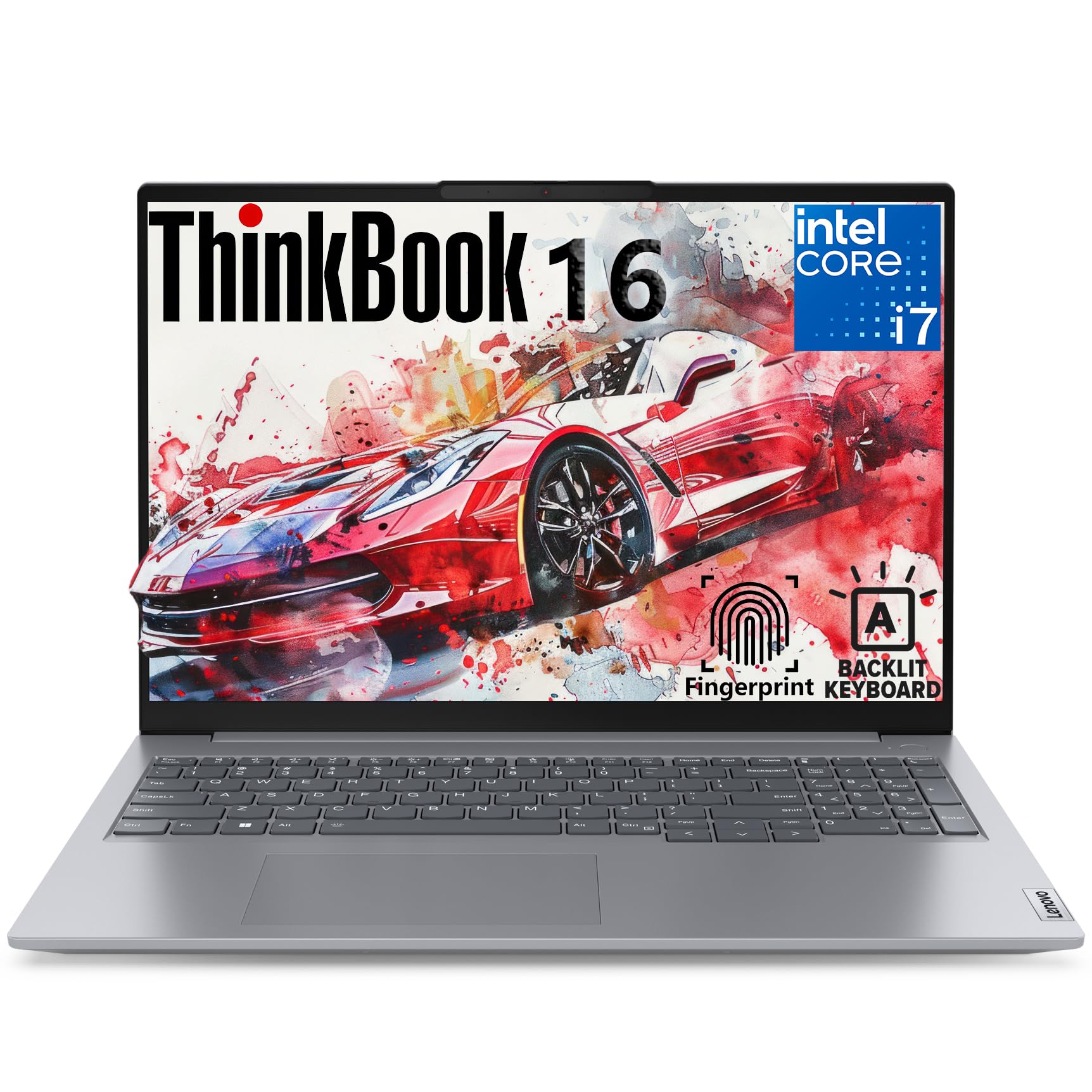
The highest-rated laptop in this roundup at 95/100. The i7-13700H and 32GB DDR5 handle heavy timelines and multi-app workdays without bottlenecks, and the Thunderbolt 4, HDMI 2.1, and SD card reader make external drive and monitor workflows seamless. The 16" WUXGA display is comfortable for extended editing sessions. Business-grade build with a TPM chip and fingerprint reader. Ideal for editors who work across Premiere Pro, After Effects, and Resolve on demanding productions.
- Thunderbolt 4 + HDMI 2.1 + SD card reader — best port selection in this list
- 32GB DDR5 handles large projects without swapping
- Business-grade build and security for professional environments

The Intel Core Ultra 7 258V with dedicated NPU accelerates AI-powered features in Premiere Pro — auto-transcription, scene detection, and encode acceleration run faster without taxing the CPU. The 32GB RAM and 2TB SSD combination is generous for a 14" machine, and the included 8-in-1 USB hub solves the port gap. The Intel Arc 140V GPU handles lighter GPU-accelerated workloads. Best for creators using AI-heavy workflows in Premiere Pro or DaVinci Resolve.
- Dedicated NPU for faster AI features in Premiere Pro and DaVinci
- 2TB SSD — most storage of any 14" laptop in this list
- Includes 8-in-1 USB hub — solves port scarcity out of the box
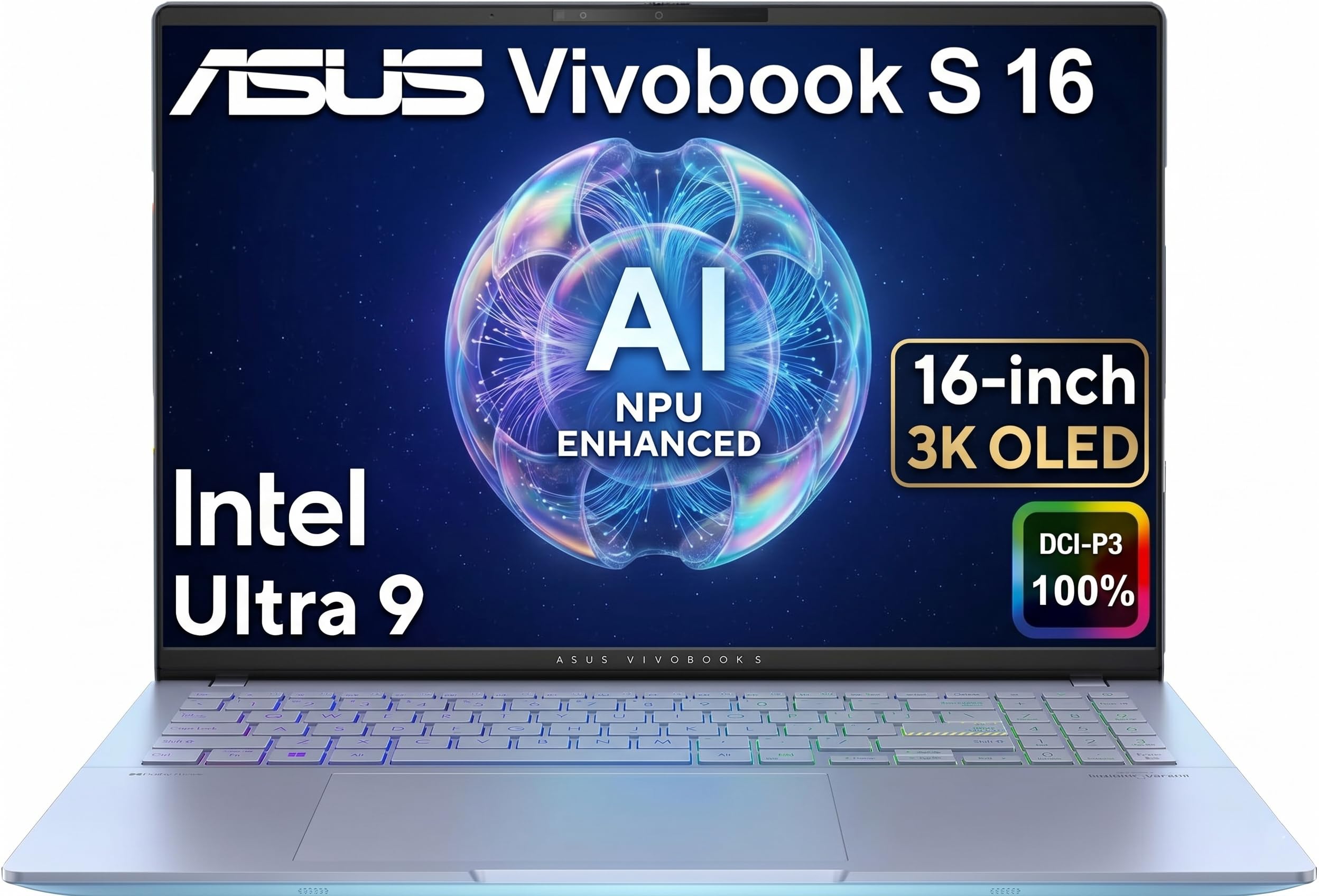
The 3K OLED display is the defining feature — rich colors and deep contrast let you judge tones and shadows accurately without relying on an external reference monitor. The Intel Ultra 9 285H is one of the higher-core counts in any laptop at this size, keeping edits and multitasking responsive. For photographers, designers, and colorists who prioritize display accuracy in a portable package, this is the standout choice. Overall sentiment is neutral-to-positive with keyboard comfort noted as a mild concern.
- 3K OLED — the best laptop display for color-critical work in this list
- Intel Ultra 9 285H — high core count for demanding timelines
- 32GB DDR5 for smooth multi-app workflows

The RTX 4060 and i7-13650HX combination delivers strong GPU-accelerated editing performance at a lower price point than the 2025 G16 above. The 165Hz 16:10 display is excellent for scrubbing and motion-heavy edits, and the thermal design sustains clocks during extended exports. A strong dual-purpose machine for editors who also game or stream. Heavier than ultraportables — the trade-off for raw performance.
- RTX 4060 GPU — strong CUDA acceleration for Premiere and DaVinci
- 165Hz 16:10 display — best scrubbing experience in this price range
- Robust cooling sustains performance during long renders
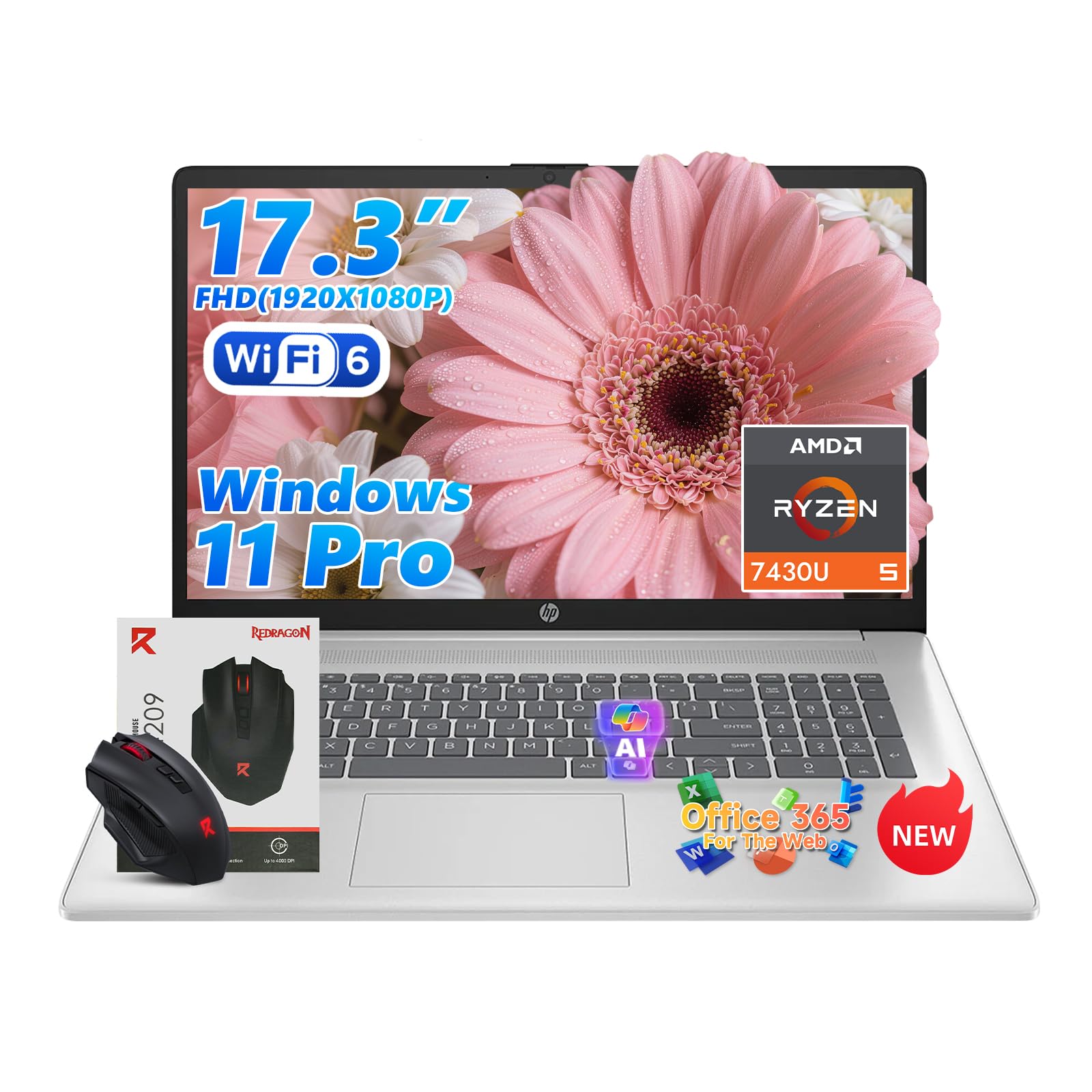
The outlier in this list — 64GB of RAM and 2TB of storage in a 17.3" chassis at a consumer price point. The Ryzen 5 CPU is the weakest processor here, but for editors who work with enormous project files, heavy multicam sequences, or multiple simultaneous apps, the memory headroom is the differentiator. No dedicated GPU means GPU-intensive effects in Premiere Pro and DaVinci Resolve run on software rendering. Best used with proxy workflows for 4K footage.
- 64GB RAM — most memory of any laptop in this list
- 2TB SSD — keep large projects entirely local
- 17.3" display and numeric keypad for extended desk sessions