Best Monitors for Video Editing 2026 — 13 Picks for Every Budget
Color-accurate IPS and OLED displays, budget 4K panels, ultrawide workstations, and professional ProArt monitors — ranked by what actually matters for editing workflows.
| Category | Monitor | Score | Key Spec |
|---|---|---|---|
| 🏆 Best Single-Cable Power | ASUS PA279CRV | 94/100 | 99% DCI-P3, 99% Adobe RGB, 96W USB-C |
| 🎯 Best Color Accuracy | ASUS PA279CV | 91/100 | ΔE <2, 4K, 65W USB-C, hub |
| 🖥️ Best Ultrawide | Dell UltraSharp U3425WE | 92/100 | 34" 21:9 curved, Thunderbolt, IPS |
| 🏆 Best 4K Productivity | Dell 32 Plus S3225QS | 90/100 | 32" 4K VA, 120Hz, ComfortView Plus |
| ⚡ Best High-Refresh 16:10 | ASUS PA248QFV | 90/100 | 24.1" 16:10, 100Hz VRR, ΔE <2 |
| 🎨 Best 4K for Creatives | LG 27US500-W | 87/100 | 27" 4K IPS, borderless, HDR10 |
| 💼 Best 1440p Workhorse | ASUS PA278QV | 89/100 | 27" 1440p, 100% sRGB, ΔE <2 |
| 🔍 Best 16:10 Detail | ASUS PA248QV | 88/100 | 24.1" 16:10, 100% sRGB/Rec.709 |
| 🎮 Best for Motion | Samsung Odyssey G55C | 88/100 | 32" QHD curved, 165Hz, HDR10 |
| 💰 Best Budget | Samsung 27 Essential | 82/100 | 27" FHD IPS, 100Hz, Eye Saver |
| 🔌 Best Laptop Companion | INNOCN 27" 4K | — | 27" 4K, USB-C, HDR400, ΔE <2 |
| 🎬 Best Creator Monitor | BenQ PV3200U | — | 32" 4K, ICCsync, 95% DCI-P3, 2.1ch speakers |
| ⭐ Best OLED Reference | ASUS PA27UCDMR | — | 26.5" QD-OLED, ΔE <1, 240Hz, Thunderbolt |
What We Prioritized
Color accuracy and gamut coverage were weighted most heavily — factory calibration (Delta E under 2), wide color coverage (100% sRGB minimum; DCI-P3 for film work), and IPS or OLED panel technology. Resolution and screen size determine timeline real estate. Connectivity — especially USB-C power delivery and Thunderbolt — determines workflow convenience for laptop editors. Ergonomics and eye-care features matter for long sessions. Price is used to balance professional needs against what you actually spend.
The 13 Best Monitors for Video Editing in 2026

Studio-grade gamut coverage with factory calibration, plus USB-C that delivers display, data, and 96W power over a single cable. For laptop-centric color grading workflows this combination is hard to beat — connect once, have a fully powered, color-accurate display. Daisy-chaining and adjustable ergonomics make it easy to slot into a multi-monitor suite.
- 99% DCI-P3 and 99% Adobe RGB — widest gamut in this list
- 96W USB-C — powers most laptops without a separate charger
- Daisy-chain support for multi-monitor editing suites

Reliable factory-calibrated color with 65W USB-C power delivery, built-in USB hub, and daisy-chain support. The ΔE <2 accuracy gives you confidence in color decisions without spending hours on manual calibration. A solid all-rounder for editors who want pro-level color in a clean single-cable laptop setup.
- Calman Verified ΔE <2 — trustworthy color out of the box
- Built-in USB hub reduces desk cable clutter
- 65W USB-C powers most ultrabooks
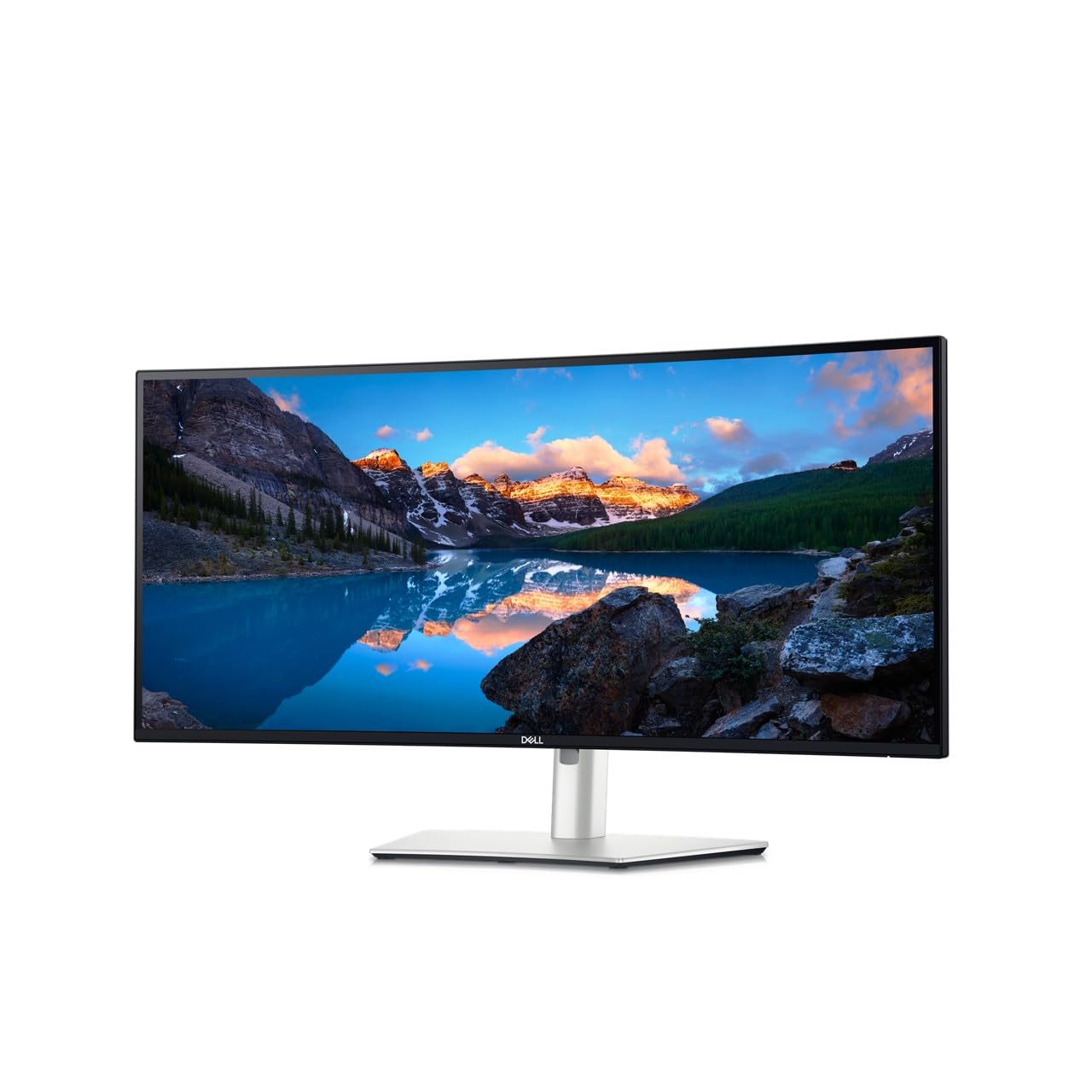
The 21:9 canvas effectively replaces a dual-monitor setup — timelines, preview windows, scopes, and bins stay visible simultaneously without constant window switching. Thunderbolt 4 and extensive USB connectivity make laptop docking straightforward. ComfortView Plus and flicker-free tech reduce fatigue during long sessions. Best for editors who prioritize workflow efficiency over a secondary reference monitor.
- 34" 21:9 canvas — replaces dual monitors for most workflows
- Thunderbolt 4 for fast laptop docking and peripherals
- Built-in MST and split-screen features for productivity

32-inch 4K canvas on a VA panel with deep contrast for punchy footage, 120Hz for smoother scrubbing, and ComfortView Plus for extended sessions. The ergonomic stand with height, tilt, and pivot accommodates any working position. Strong choice for editors who want maximum timeline real estate without ultrawide complexity.
- 32" 4K for detailed timelines and multitasking
- 120Hz makes scrubbing and motion checks smoother
- VA panel — stronger contrast than IPS at this price
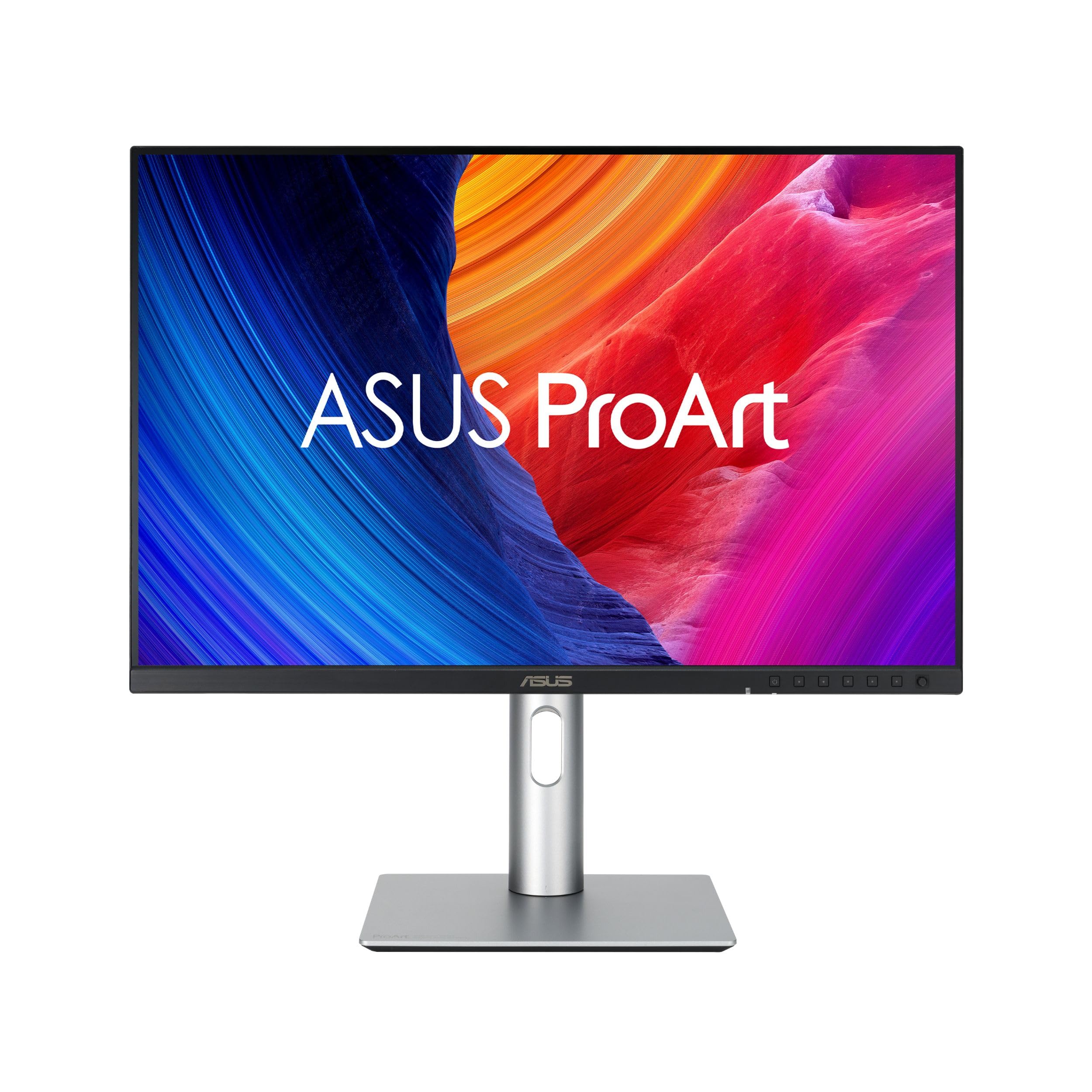
The 16:10 aspect gives extra vertical timeline space, the 100Hz VRR smooths motion playback checks, and the M-Model certification ensures consistent P3 color when connected to MacBooks. Calman Verified ΔE <2. Compact enough for dual-monitor setups while delivering professional color accuracy. MacBook users specifically benefit from the M-Model color matching.
- 16:10 aspect — more vertical timeline workspace than 16:9
- M-Model: consistent color matching for MacBook workflows
- 100Hz VRR for smoother motion checking

The sweet spot for editors who want professional color accuracy without the cost of 4K. Calman Verified ΔE <2, 100% sRGB, and ProArt Palette controls for quick preset switching. Ergonomic stand with full tilt/swivel/pivot/height adjustments for all-day comfort. A reliable daily driver for cut-to-grade workflows.
- Calman Verified ΔE <2 — color you can trust
- ProArt Palette for quick preset switching during client reviews
- Full ergonomic adjustments for all-day editing sessions

Compact 16:10 format with Calman Verified ΔE <2 and 100% sRGB/Rec.709 — the Rec.709 coverage is particularly relevant for broadcast and YouTube delivery. Extra vertical space for timelines and scopes. Thin bezels for clean dual-monitor pairing. ProArt controls and USB hub simplify the editing desk.
- 100% Rec.709 — accurate for broadcast and YouTube delivery
- 16:10 gives more vertical workspace than standard 16:9
- Compact 24" footprint — ideal secondary monitor

A gaming panel that earns its place in an editing setup for one reason: motion. The 165Hz refresh and 1ms MPRT make spotting stutter, judder, and dropped frames easier than on any 60Hz monitor. The 1000R curve increases immersion during playback reviews. Best paired with a color-accurate reference display for grading — use this for motion checks and timeline work, the ProArt for color decisions.
- 165Hz + 1ms — best motion-checking monitor in this list
- 1000R curve adds immersion for playback reviews
- 32" QHD canvas for comfortable timeline work

Clean 4K workspace in a borderless matte design that reduces glare in bright rooms. IPS with good out-of-box color for everyday editing, color checks, and client reviews. Straightforward connectivity. No USB-C power delivery — worth noting for laptop workflows. The borderless design and white finish pair well with Apple setups.
- 4K IPS — clean detail for timeline and text legibility
- Borderless matte design — minimal glare in bright spaces
- Simple HDMI + DisplayPort connectivity
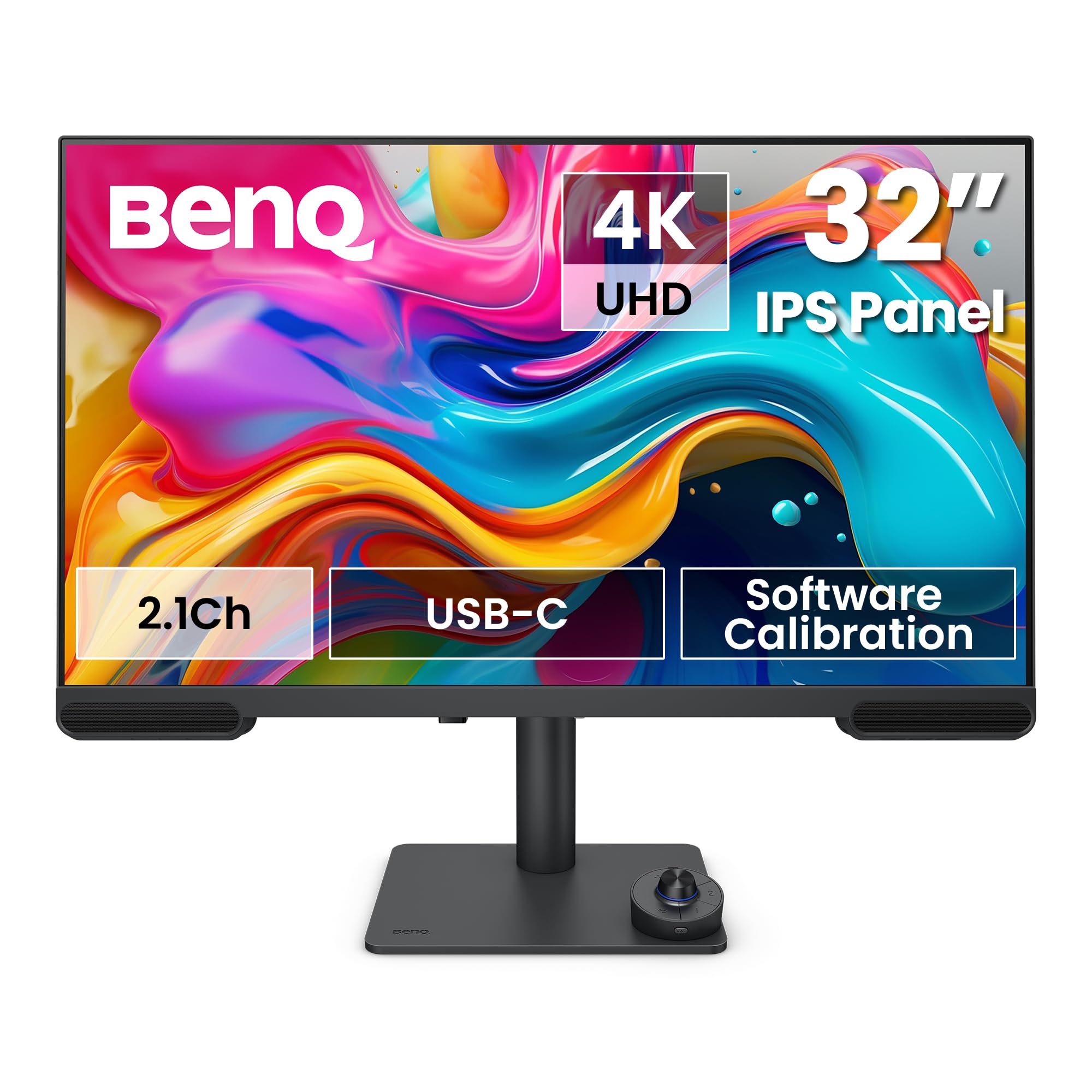
Built specifically for video creators — ICCsync automatically applies the correct ICC color profile when you switch applications, eliminating manual profile switching between editing and grading. Factory calibration, 95% DCI-P3, and software calibration tools for color-managed studio integration. Built-in 2.1ch speakers and ergonomic stand included. The ICCsync feature alone differentiates it from every other monitor in this list.
- ICCsync — automatic ICC profile switching per application
- Software calibration tools for multi-display color management
- Built-in 2.1ch speakers reduce desk clutter

Practical USB-C 4K display for laptop-centric workflows. Delta E <2 color target, HDR400 for better highlight preview, and built-in speakers reduce desk complexity. INNOCN is a less established brand than ASUS, Dell, or LG — users report good color performance for everyday grading with minor setup tweaks to get calibration optimal.
- USB-C for single-cable laptop docking
- 4K IPS with ΔE <2 at a competitive price
- HDR400 and built-in speakers simplify the desk setup

The entry point — a 27-inch IPS at 100Hz with consistent color and eye-care features. FHD rather than 4K is the limitation for demanding color work, but for casual editing, tutorials, and dual-monitor setups where the second screen handles reference it's entirely workable. The slim bezels make it easy to pair with a second display. The stand is basic — an ergonomic arm is worth considering.
- 100Hz IPS at an accessible price point
- Slim bezels for clean dual-monitor pairing
- Eye Saver and flicker-free for extended sessions

The reference-grade option. QD-OLED delivers exceptional contrast and deep blacks that IPS cannot match — shadow detail and highlight separation are genuinely different on OLED. Auto-calibration maintains ΔE <1 accuracy without manual intervention. 240Hz capability and 0.1ms response for precise motion checks. Thunderbolt and USB-C for studio connectivity. The most demanding monitor in this list for a reason — best suited to colorists, finishers, and creators who need reference-level accuracy in a compact form factor.
- QD-OLED — exceptional contrast and black depth that IPS can't match
- Auto-calibration maintains ΔE <1 — no manual recalibration needed
- 240Hz for the most precise motion artifact detection